Everything in Choutes Project
Segala-galanya dalam Choutes Project
A closer look at the installer, the apps, the desktop, and the tools that keep it all running.
Tinjauan lebih dekat pada pemasang, aplikasi, desktop dan alat yang memastikan semuanya berjalan lancar.
An installer that works with or without internet
Pemasang yang berfungsi dengan atau tanpa internet
Connect to Wi-Fi in the installer to get the newest fixes, or install without a connection: every application and the multimedia codecs are on the installation medium. When the installation is done, the computer restarts by itself.
Sambung ke Wi-Fi dalam pemasang untuk mendapat pembaikan terbaharu, atau pasang tanpa sambungan: setiap aplikasi dan codec multimedia ada pada media pemasangan. Apabila pemasangan selesai, komputer dimulakan semula dengan sendirinya.
- Erase a disk, install next to Windows, or choose partitions yourselfPadam cakera, pasang bersebelahan Windows, atau pilih partisyen sendiri
- Btrfs with snapshots by default; ext4 and XFS are possibleBtrfs dengan snapshot sebagai lalai; ext4 dan XFS juga boleh
- Optional encryption of the whole systemPenyulitan seluruh sistem sebagai pilihan
Apps and updates in one window
Aplikasi dan kemas kini dalam satu tetingkap
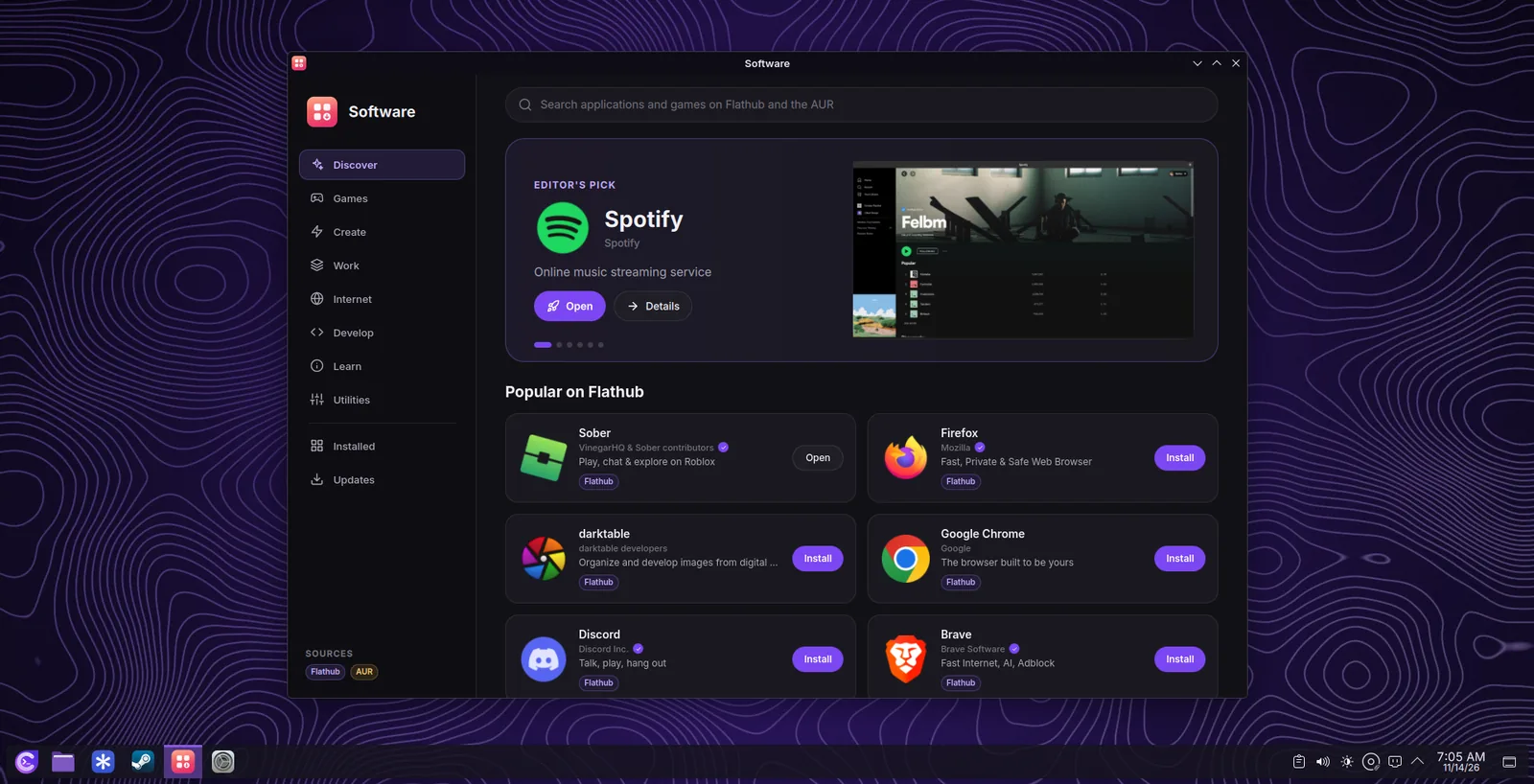
Software finds applications and games on Flathub and in the AUR, with screenshots, download sizes, and the names of the people who make them. It also checks for system updates in the background and installs them with your apps.
Software mencari aplikasi dan permainan di Flathub dan AUR, dengan tangkapan skrin, saiz muat turun dan nama pembuatnya. Ia juga menyemak kemas kini sistem di latar belakang dan memasangnya bersama aplikasi anda.
- Editor's picks, games, and categoriesPilihan editor, permainan dan kategori
- Cancel an installation at any timeBatalkan pemasangan bila-bila masa
- System updates are installed at the next restartKemas kini sistem dipasang pada mula semula seterusnya
The right drivers without searching
Pemacu yang betul tanpa perlu mencari
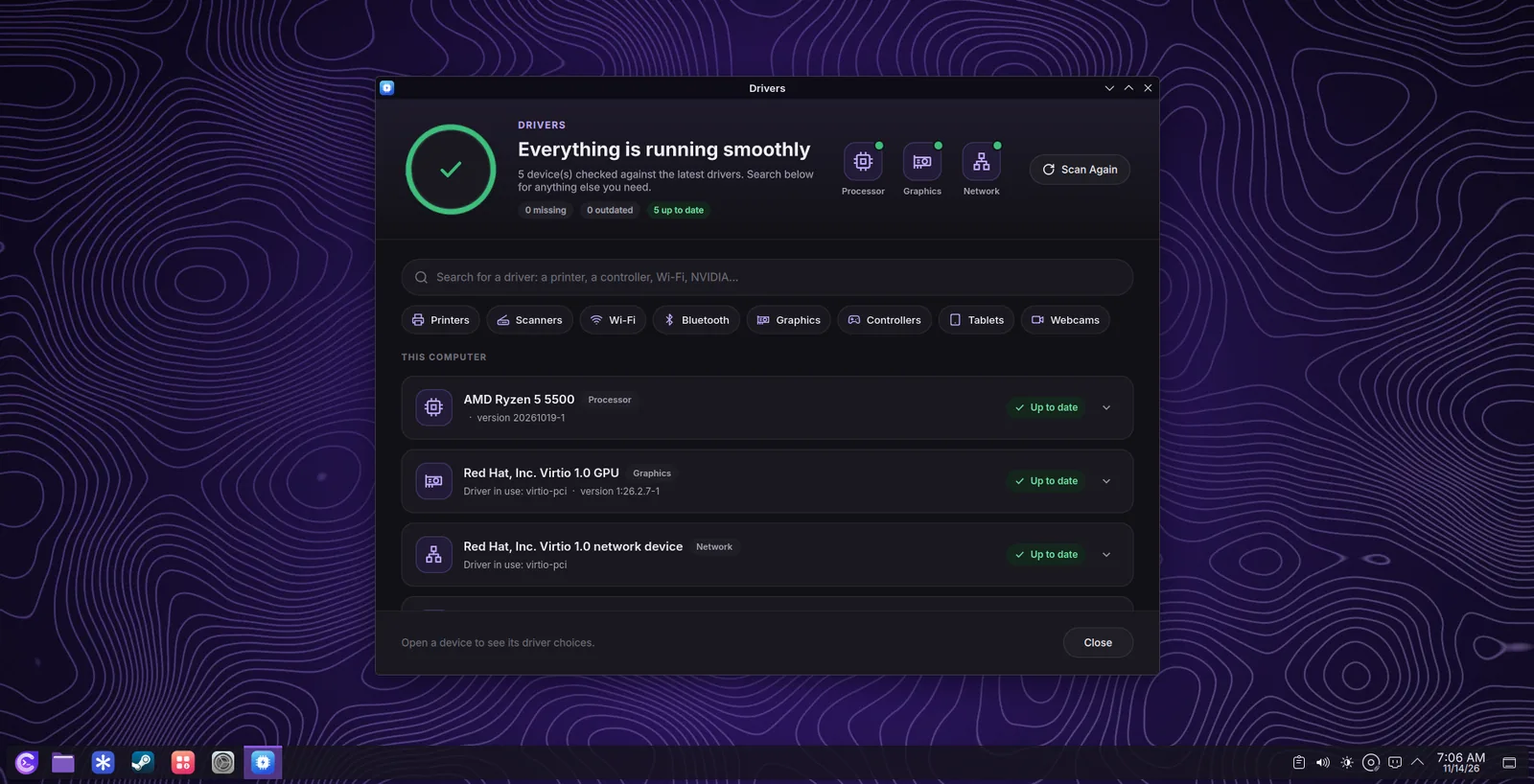
Drivers groups your hardware, shows what is missing or out of date, and installs it in one click. Search for any driver you need, such as printers or game controllers.
Drivers mengumpulkan perkakasan anda, menunjukkan apa yang tiada atau lapuk, dan memasangnya dengan satu klik. Cari mana-mana pemacu yang anda perlukan, seperti pencetak atau pengawal permainan.
- The NVIDIA driver, installed after the installationPemacu NVIDIA, dipasang selepas pemasangan
- Wi-Fi, printers, processors, and game controllersWi-Fi, pencetak, pemproses dan pengawal permainan
KDE Plasma with a look of its own
KDE Plasma dengan rupa tersendiri
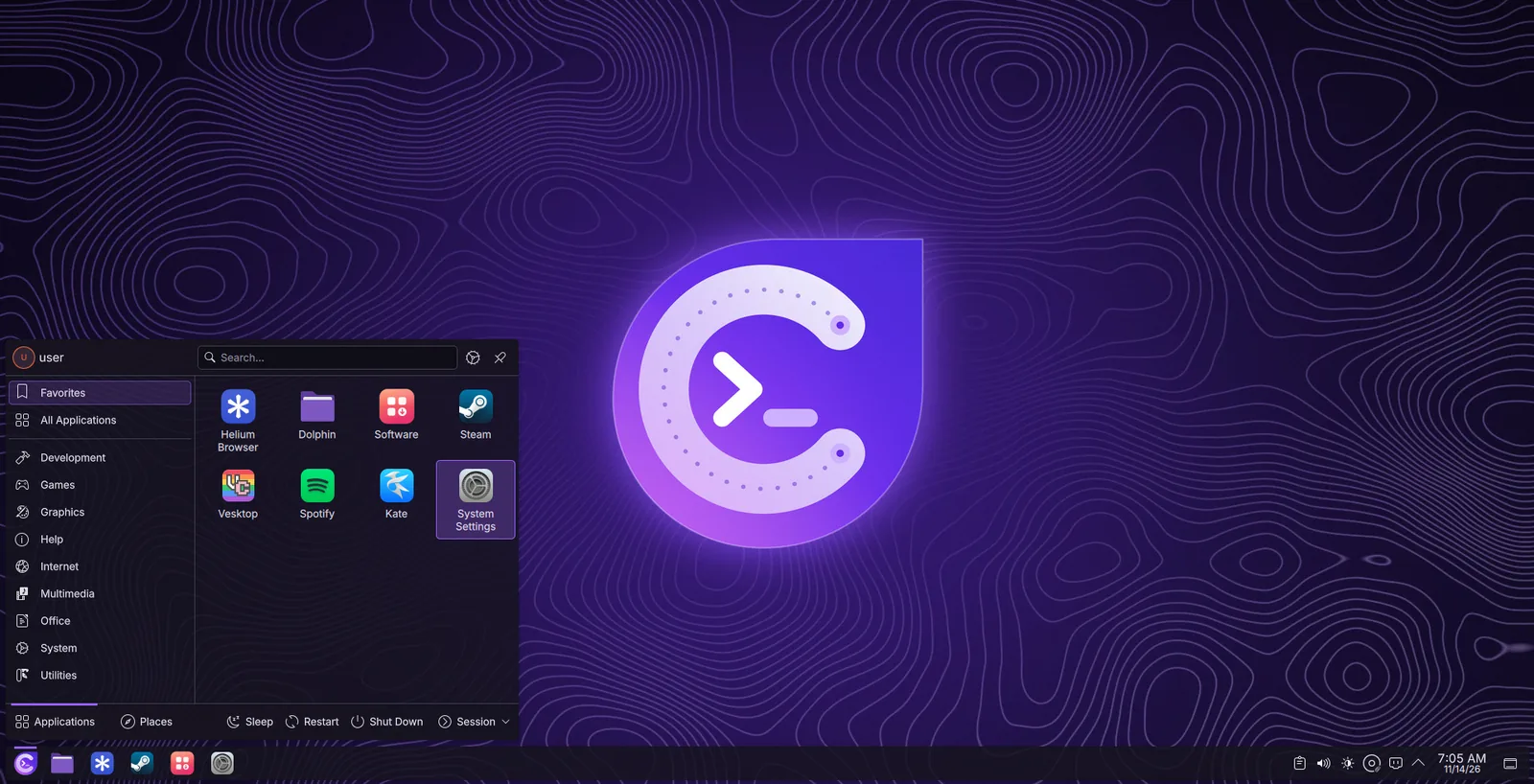
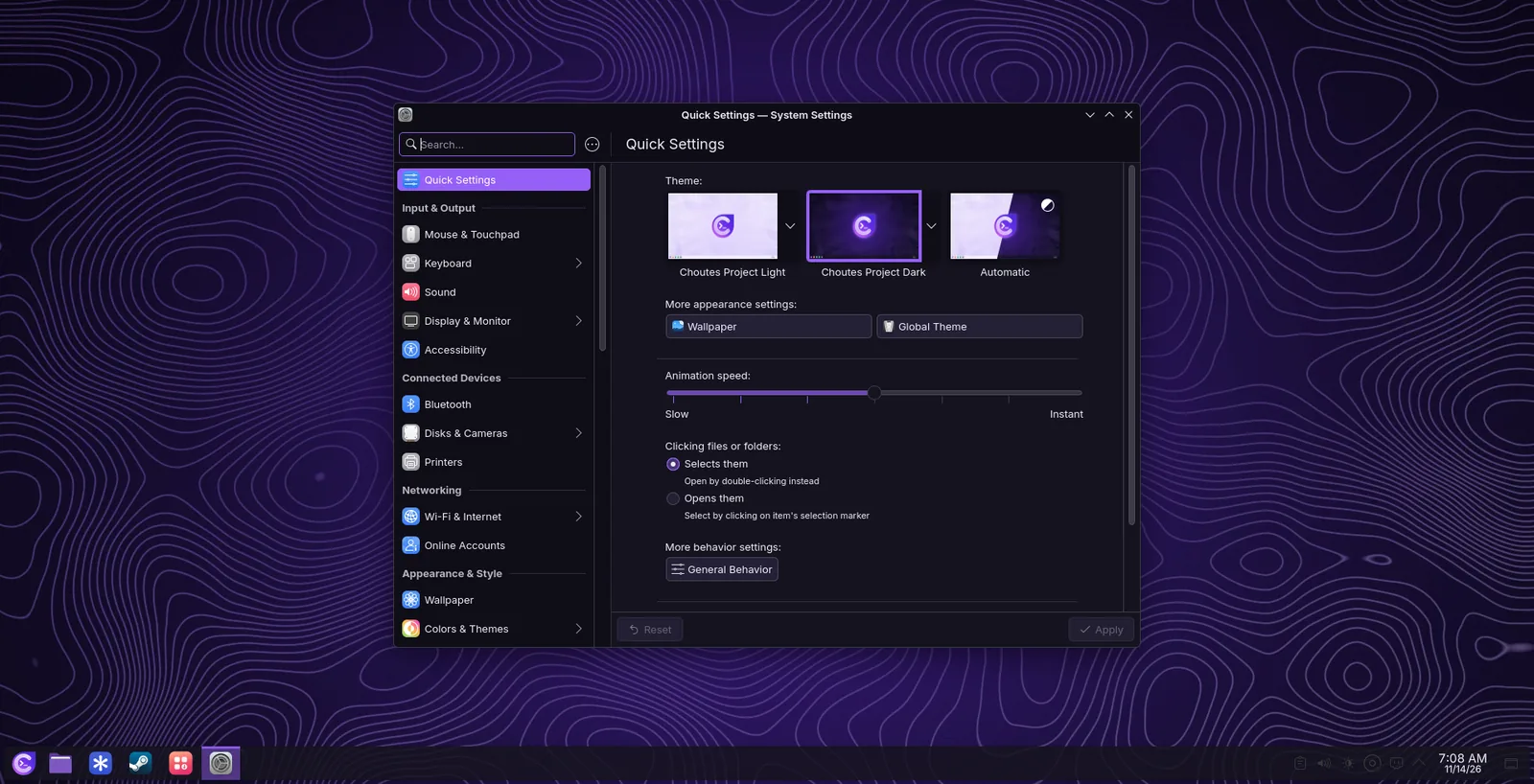
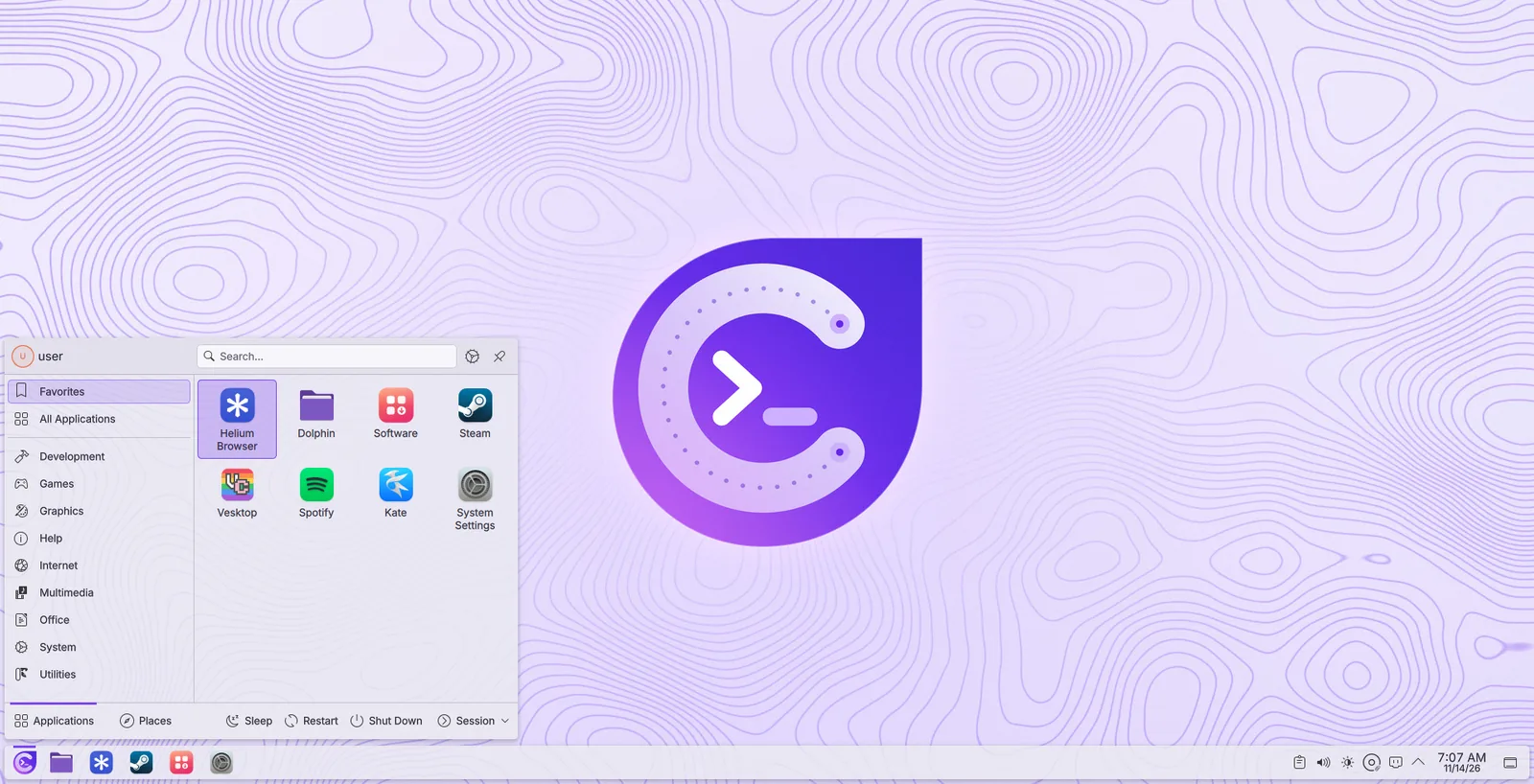
Choutes Dark and Choutes Light, eight accent colours, and wallpapers in a light and a dark version. The login screen, the boot screen, and the Choutes Project apps follow your choice.
Choutes Dark dan Choutes Light, lapan warna aksen, dan kertas dinding dalam versi cerah dan gelap. Skrin log masuk, skrin but dan aplikasi Choutes Project mengikut pilihan anda.
- Wayland with smooth animationsWayland dengan animasi yang lancar
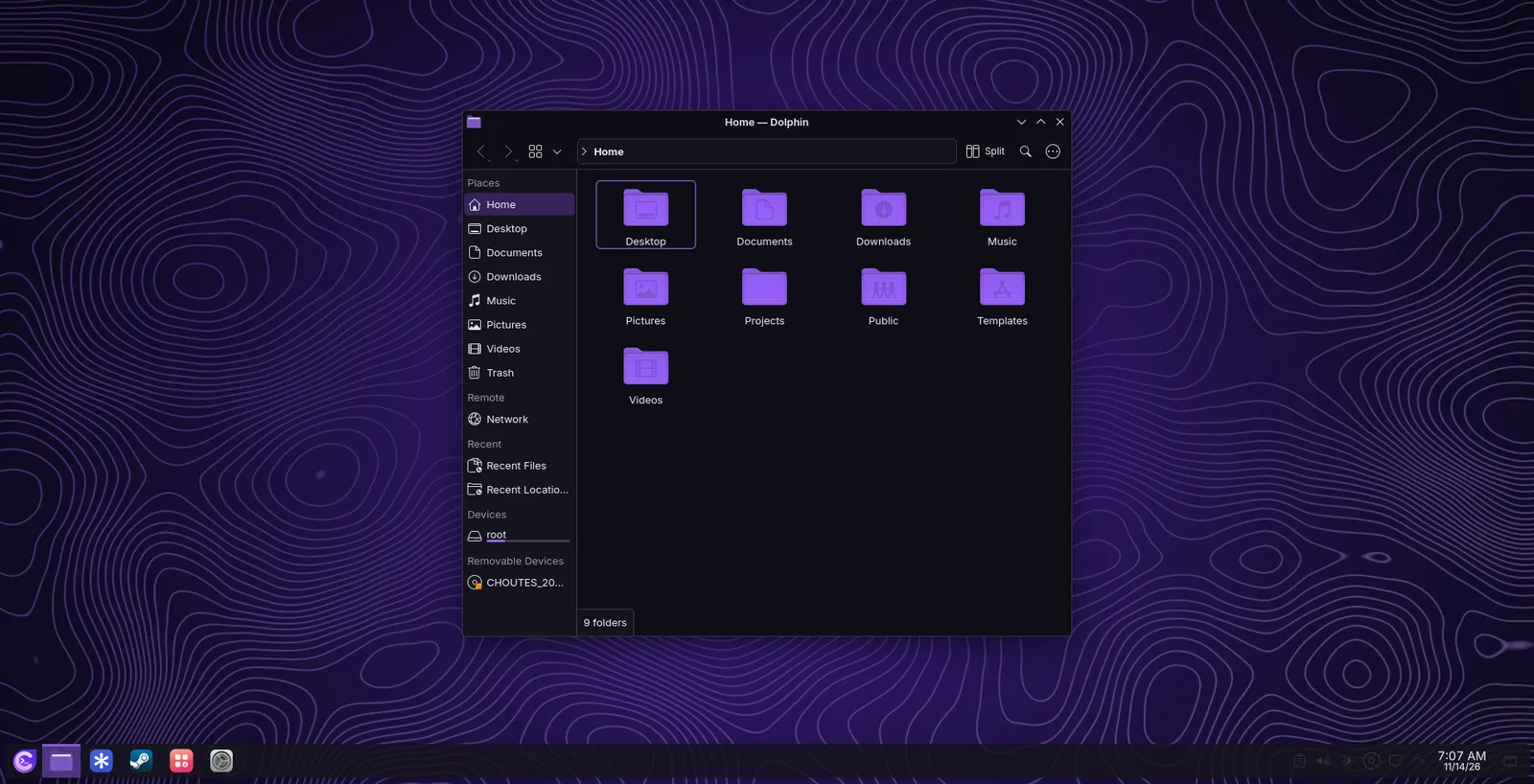
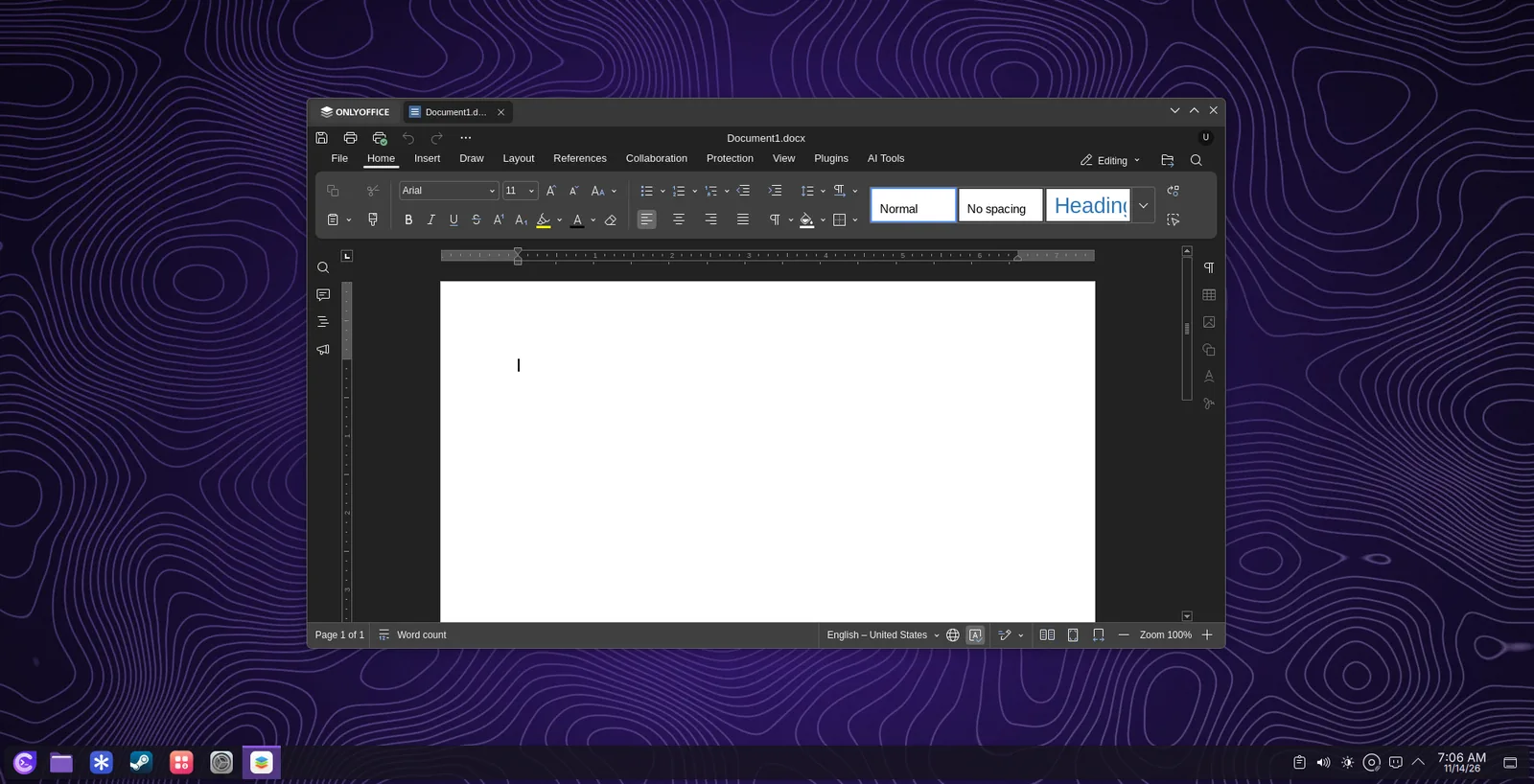
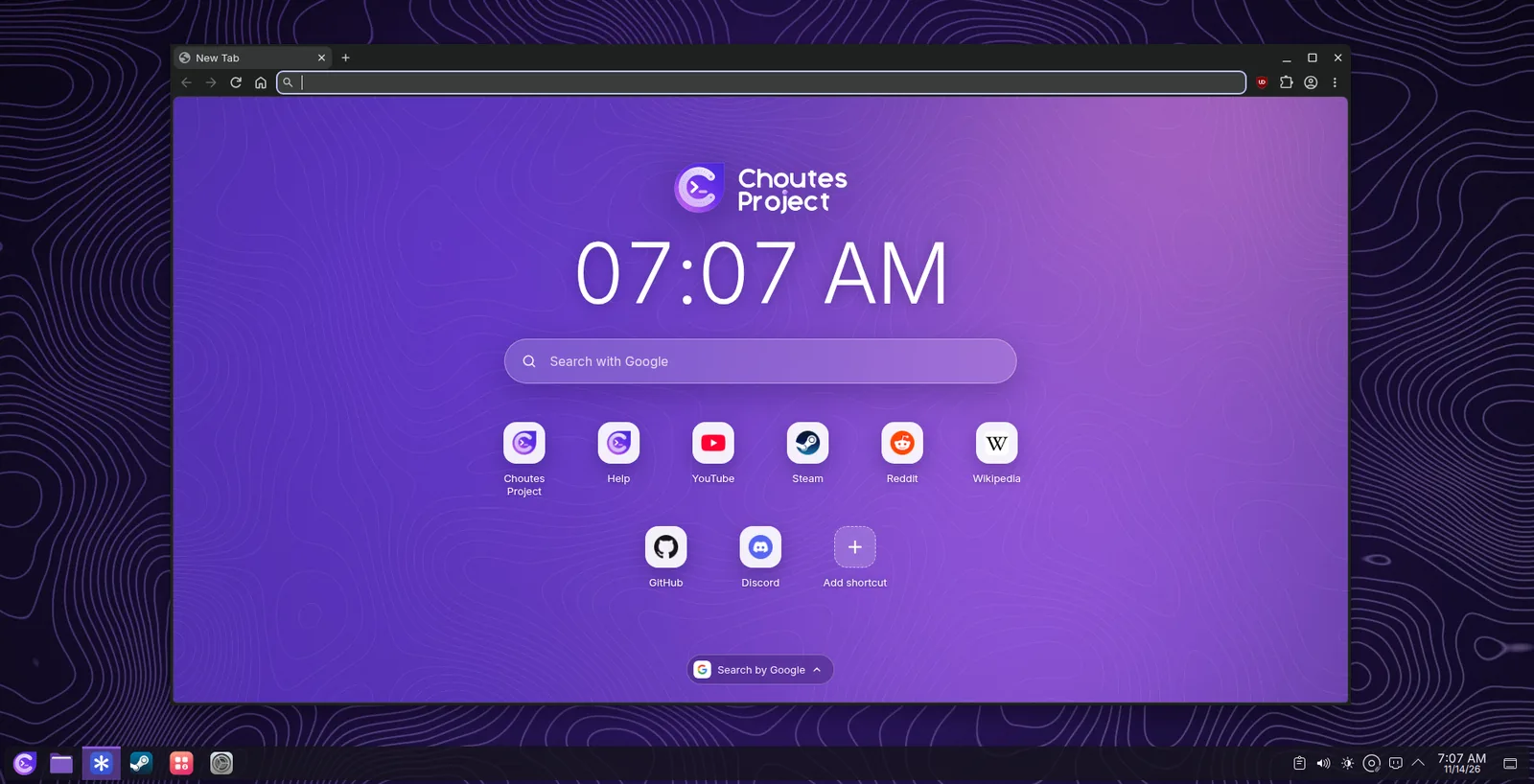
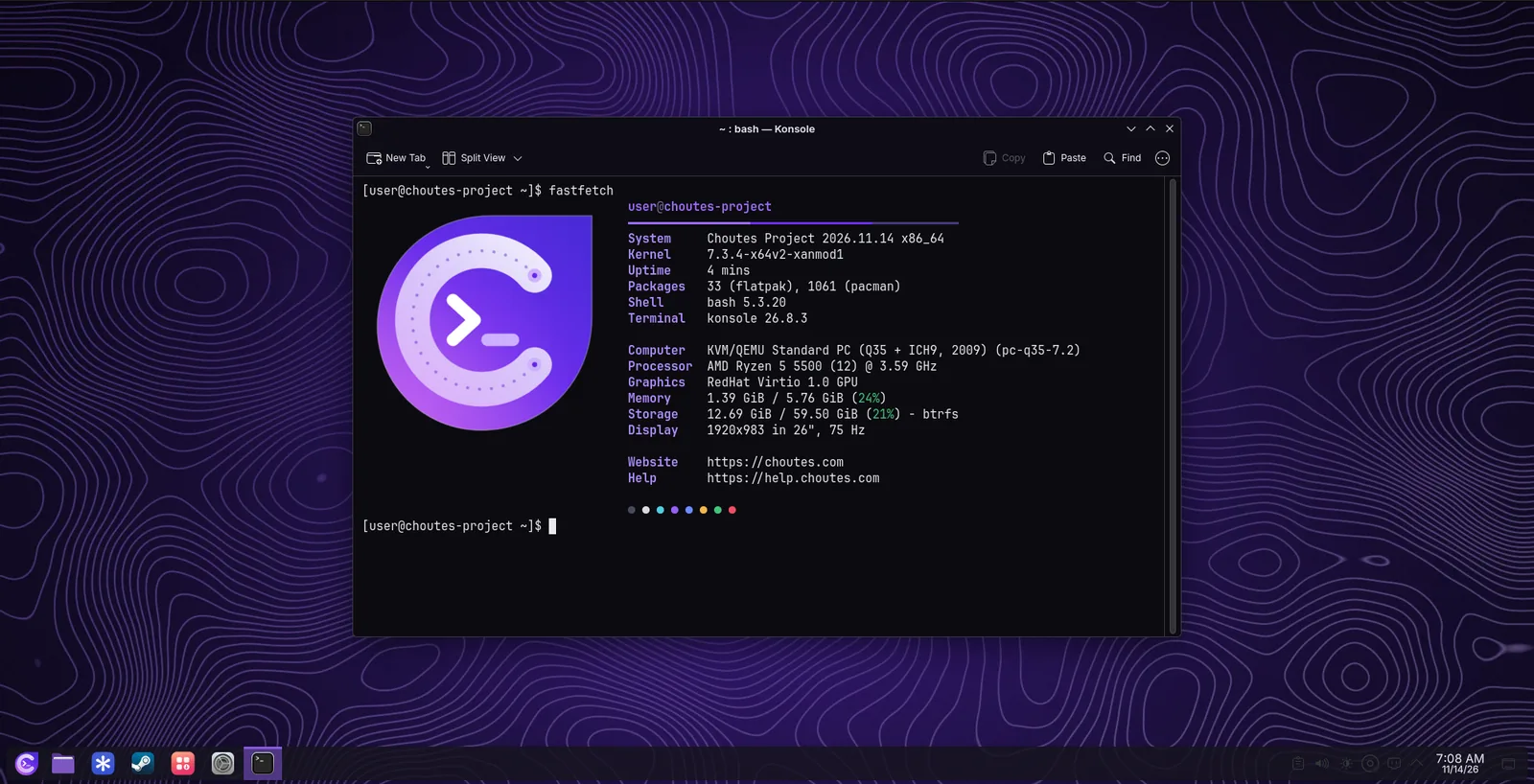
- Helium, ONLYOFFICE, Spotify, Vesktop, ZapZap, Files, Konsole, GNOME BoxesHelium, ONLYOFFICE, Spotify, Vesktop, ZapZap, Files, Konsole, GNOME Boxes
Ready for your games
Sedia untuk permainan anda
Everything needed to play is installed before the first start.
Semua yang diperlukan untuk bermain sudah dipasang sebelum permulaan pertama.
Steam and Proton
Steam dan Proton
Windows games from your Steam library, with ProtonPlus for newer Proton versions.
Permainan Windows dari koleksi Steam anda, dengan ProtonPlus untuk versi Proton yang lebih baharu.
GameMode
GameMode
Switches on by itself when a game starts and gives it the full speed of the computer.
Dihidupkan sendiri apabila permainan bermula dan memberikan kelajuan penuh komputer.
MangoHud and Gamescope
MangoHud dan Gamescope
Frame rate and temperatures on screen, and a compositor made for games.
Kadar bingkai dan suhu di skrin, serta compositor khas untuk permainan.
Windows programs
Program Windows
Open .exe files with a double-click through Wine.
Buka fail .exe dengan dua klik melalui Wine.
Launchers
Pelancar
Faugus Launcher, Prism Launcher for Minecraft, and Sober for Roblox.
Faugus Launcher, Prism Launcher untuk Minecraft dan Sober untuk Roblox.
XanMod kernel
Kernel XanMod
Tuned for a quick desktop and games, with the Linux LTS kernel as a fallback.
Ditala untuk desktop dan permainan yang pantas, dengan kernel Linux LTS sebagai sandaran.
Built on Arch Linux
Dibina di atas Arch Linux
Choutes Project uses the packages of Arch Linux and adds its own from a signed repository. It is a rolling system: new versions arrive as normal updates, so you never have to reinstall to stay current.
Choutes Project menggunakan pakej Arch Linux dan menambah pakejnya sendiri dari repositori bertandatangan. Ia sistem bergulir: versi baharu tiba sebagai kemas kini biasa, jadi anda tidak perlu memasang semula untuk kekal terkini.
Snapshots
Snapshot
Before and after every system update on Btrfs, ready in the boot menu.
Sebelum dan selepas setiap kemas kini sistem pada Btrfs, sedia dalam menu but.
Signed repository
Repositori bertandatangan
Choutes Project packages are signed and checked by pacman.
Pakej Choutes Project ditandatangani dan disemak oleh pacman.
Package serverPelayan pakejTested Plasma
Plasma yang diuji
A new KDE Plasma version is released to Choutes Project after testing.
Versi KDE Plasma baharu dilepaskan kepada Choutes Project selepas diuji.
zram
zram
Compressed memory instead of a swap partition by default.
Memori termampat sebagai ganti partisyen swap secara lalai.
Cleaner
Cleaner
Clears old packages, unused runtimes, logs, and caches once a week.
Membersihkan pakej lama, runtime yang tidak digunakan, log dan cache seminggu sekali.
Reset System
Reset System
A fresh, up-to-date system from the factory copy kept at installation.
Sistem baharu dan terkini daripada salinan kilang yang disimpan semasa pemasangan.
A closer look
Tinjauan lebih dekat